英語版から機械翻訳しています。 元の記事はこちら
FlutterのAgentic Hot Reloadが私のOffice of AI Agentsを改善した
FlutterにAgentic Hot Reloadが導入されたことで、AIサブエージェントがソースツリーを読み、コードを変更し、Hot Reloadし、実行中アプリの診断情報を取得できるようになりました。もうUI変更を勘で当てる必要はありません。
FlutterのAgentic Hot Reloadが私のFlutter Office of AI Agentsを改善した
Flutter開発者でありWeb開発者でもある私にとって、Web向けのエージェント型AI開発とFlutter向けの開発の差は、ずっと大きく見えていました。Web開発では、主要なAIコーディングアシスタントのほとんどがブラウザツールを持っていて、Webアプリを操作し、UI変更や状態更新を視覚的に確認できます。理論上はFlutterアプリもブラウザで動かして同じように操作できますが、Webアプリを普通に起動するほど単純ではありません。さらに、多くのFlutterアプリはWeb向けに作っているわけではありません。AndroidやiOSだけを対象にし、そのプラットフォームにしかないハードウェア機能を使うこともよくあります。
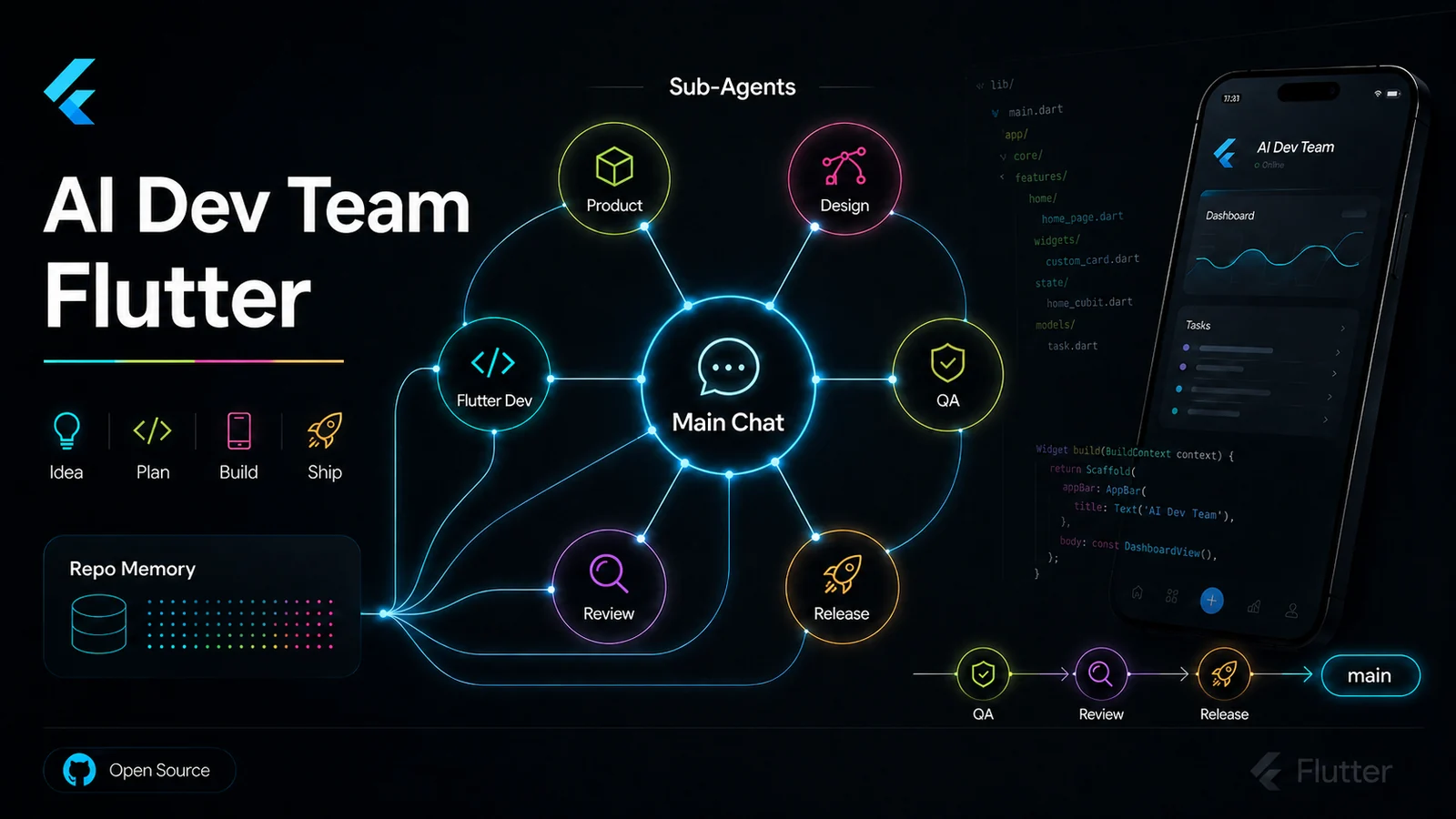
最近、私はFlutter開発向けのエージェント型AI開発ワークフロー、特にOffice of AI Agents for Flutterプロジェクトを探っています。目標は、複数のAIサブエージェントが本物のソフトウェア開発チームのようにFlutterプロジェクトで協力できる、理想的な作業環境を見つけることです。ただ、これまでのエージェントは、接続されたデバイスを検出したり、Hot Reload/Hot Restartを実行したり、変更をリアルタイムで確認したりする部分が不安定でした。
Agentic Hot Reloadによる修正
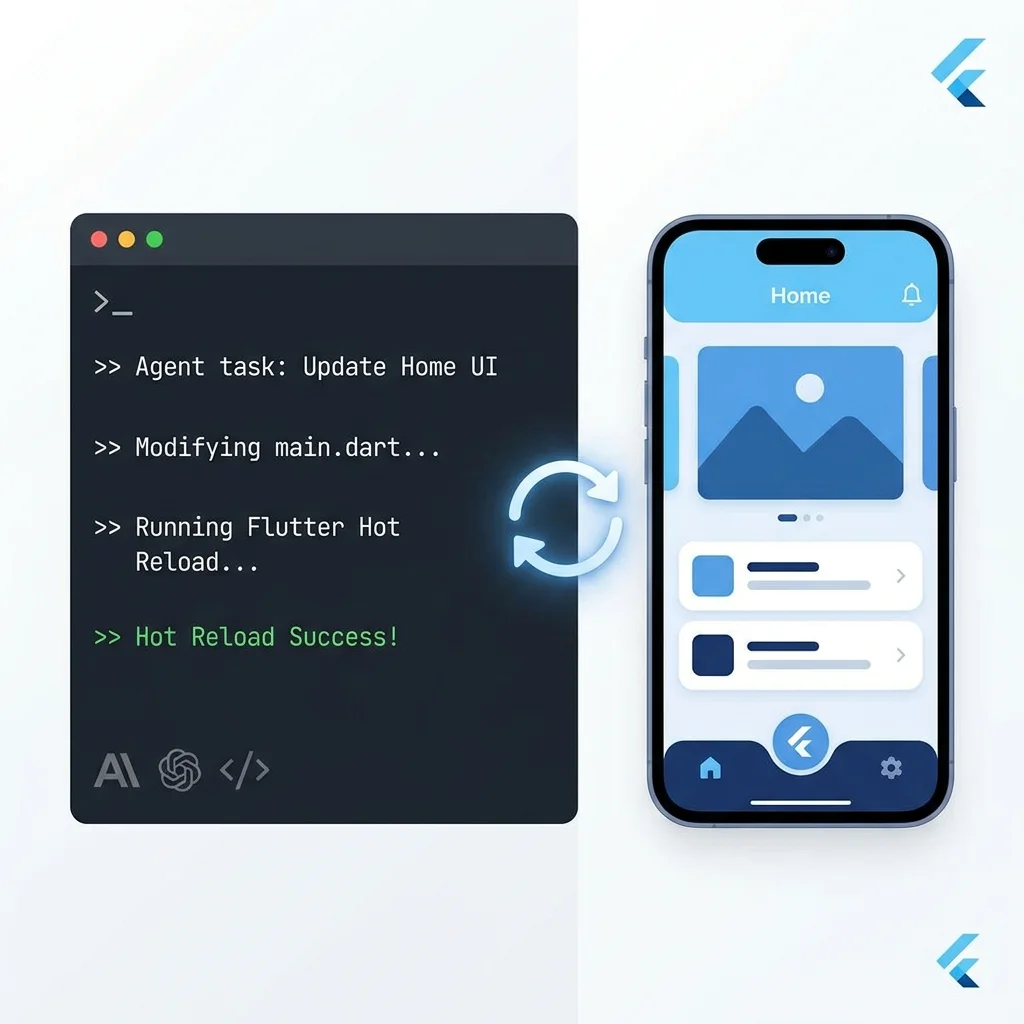
Flutter 3.44では、Flutter開発向けにAgentic Hot Reload機能が導入されました。通常のFlutterセッションでは、Hot Reloadは人間が行う手順です。コードを変更し、保存し、実行中アプリがほぼ即座に更新されます。そして結果を見て、問題を見つけ、また修正します。このループはキーボードの前にいる人間のために設計されています。
新しいDart MCPサーバーを使うことで、私のAIサブエージェントは、普段なら私が自分でやることを実行できるようになりました。現在のソースツリーを読み、コードをその場で変更し、実行中アプリへHot Reloadし、MCPチャンネル経由でライブ診断を取得します。View tree、レンダリング性能、ネットワークログ、例外などを確認し、また反復できます。
エージェントは、人間と同じようにライブプロセスを相手にデバッグします。違いは、自律的にそれを行い、各反復が数秒で終わることです。その間、私は別の作業に移れます。
推測から検証へ
Agentic Hot Reload以前、私のAIサブエージェントはUI変更や状態更新を推測することがよくありました。どれだけコードを読んでも、UIを確認できなければ、その変更が正しい方向なのかは本当には分かりません。かなり当たり外れがありました。推測が得意なサブエージェントもいれば、変更の視覚的な影響を理解するのに苦労するサブエージェントもいました。

Agentic Hot Reloadによって状況は大きく変わりました。サブエージェントはコードを変更するだけでなく、Hot Reloadを実行し、MCPチャンネル経由で診断を取得できます。変更結果をリアルタイムで見て、それに応じて反復できます。
他の主要フレームワークでも、エージェント型開発のための機能がもっと増えていくのを見るのが楽しみです。
👏この記事は参考になりましたか?
この記事が役に立ちましたら、ぜひ拍手を送ってください。
アーカイブから